

7 Best Fundraising Readiness Assessment Tools for Startups
Compare 7 fundraising readiness assessment tools for startups. Discover how Evalyze helps founders assess investor readiness and prepare for fundraising.
November 8, 2026
Compare 6 AI pitch deck rewriting tools. See which improve existing slide copy, edit PowerPoint or Google Slides, and preserve your startup's facts.

The best AI tools for rewriting weak pitch deck slides include Evalyze AI Pitch Coach, Plus AI, Microsoft Copilot, GPT Workspace, Beautiful.ai, and Pitch Agent. Each can help improve existing slide copy, but their workflows differ. Some suggest replacement wording you can review, while others edit text directly in your presentation.
For founders preparing to raise capital, the most useful rewrite preserves the company's actual metrics and makes the investment case easier to understand.
| Tool | Best for | Rewriting capability | Access |
|---|---|---|---|
| Evalyze AI Pitch Coach | Fundraising-specific slide criticism and suggested rewrites | Slide-by-slide feedback and proposed replacement copy | Pro |
| Plus AI | Rewriting inside existing presentation software | Selected text, single slides, or whole presentations | Paid; 7-day trial |
| Microsoft Copilot | Improving PowerPoint slide copy | Selected text rewriting, condensation, and tone adjustments | Eligible Microsoft 365/Copilot access |
| GPT Workspace | Quick Google Slides copy improvements | Selected text rewriting and bullet condensation | Free allowance; paid plans |
| Beautiful.ai | Improving text inside a designed presentation | Rewrite, shorten, lengthen, and adjust tone | Subscription-based |
| Pitch Agent | Collaborative slide copy and narrative editing | Chat-based copy rewrites and slide restructuring | AI credit-based |
Evalyze AI Pitch Coach is designed for founders improving an existing pitch deck before investor outreach.
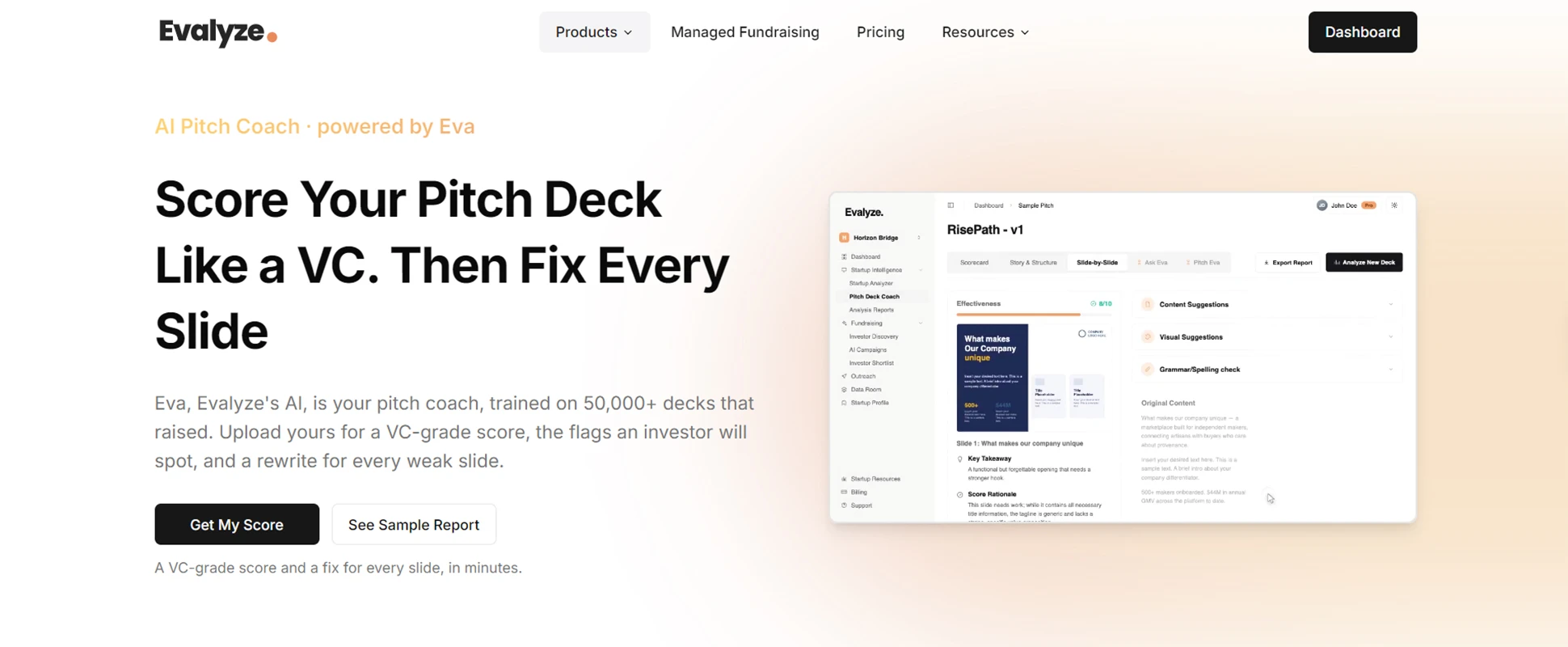
You upload a PDF/PowerPoint of your presentation. Pitch Coach reviews its story and individual slides, provides a 0-100 Pitch Score, identifies areas for improvement, and suggests revisions.
Its Revise with AI functionality generates replacement copy using the surrounding deck as context. This matters when the wording on one slide depends on information elsewhere in the presentation.
✅ Best fit: Pre-seed and seed founders who want to understand why a slide communicates their business poorly and receive replacement copy they can evaluate.
Evalyze provides a walkthrough of its slide-by-slide feedback and AI rewriting process, including an example based on a historical Airbnb pitch deck.
A sample report can be viewed after free-account registration, while running Pitch Coach analyses is a Pro feature.
Plus AI works directly in PowerPoint and Google Slides.
Its Rewrite feature can modify an individual text element, a selected slide, or an entire presentation. It also offers a separate Remix function for changes to layout and formatting.
That separation is useful for founders who already like their deck's design and only need to improve the wording.

⌛ Limitation: Plus AI is a general presentation editor. Its rewriting functionality should not be treated as independent validation of revenue figures or investor-readiness. Changes still require human review.
Plus AI offers a seven-day trial with a credit allowance; its official pricing page says a payment card is required for the trial.
✅ Best fit: Founders who maintain an editable pitch deck in PowerPoint or Google Slides and want targeted text changes without moving their workflow to another application.
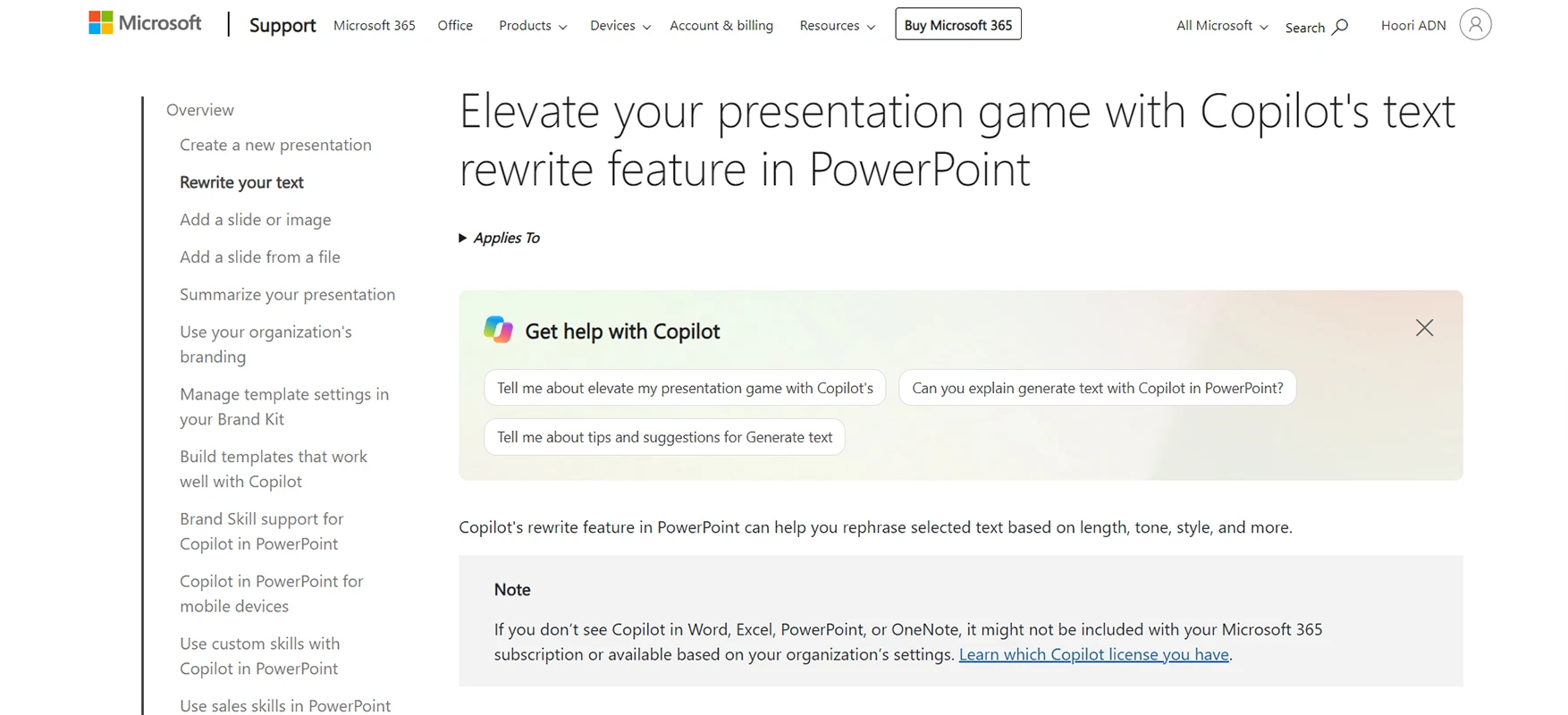
Microsoft Copilot in PowerPoint includes a dedicated text rewriting feature.
Select a text box and choose from options such as Auto-rewrite, Condense, Make professional, or a custom prompt.
This is particularly useful when a slide contains too many words or a technically accurate description that is difficult to read.
Suppose your traction slide includes a long explanation of two months of recurring revenue data. You can ask Copilot to condense the paragraph into a headline while keeping the reporting period explicit.
⌛ Limitation: Copilot's rewrite controls primarily address wording, clarity, and presentation. They do not independently prove that a startup's metrics are accurate. Access depends on the applicable Microsoft 365 subscription, license, and organizational settings.
✅ Best fit: Founders who already prepare pitch decks in PowerPoint and need concise, controlled text editing.
GPT Workspace's AI Slide Content Rewriter works through Google Slides.
It supports selected-text rewrites, condensing long bullet points, and changing tone. The tool is useful when slides contain long paragraphs that should be reduced to shorter, scannable statements.
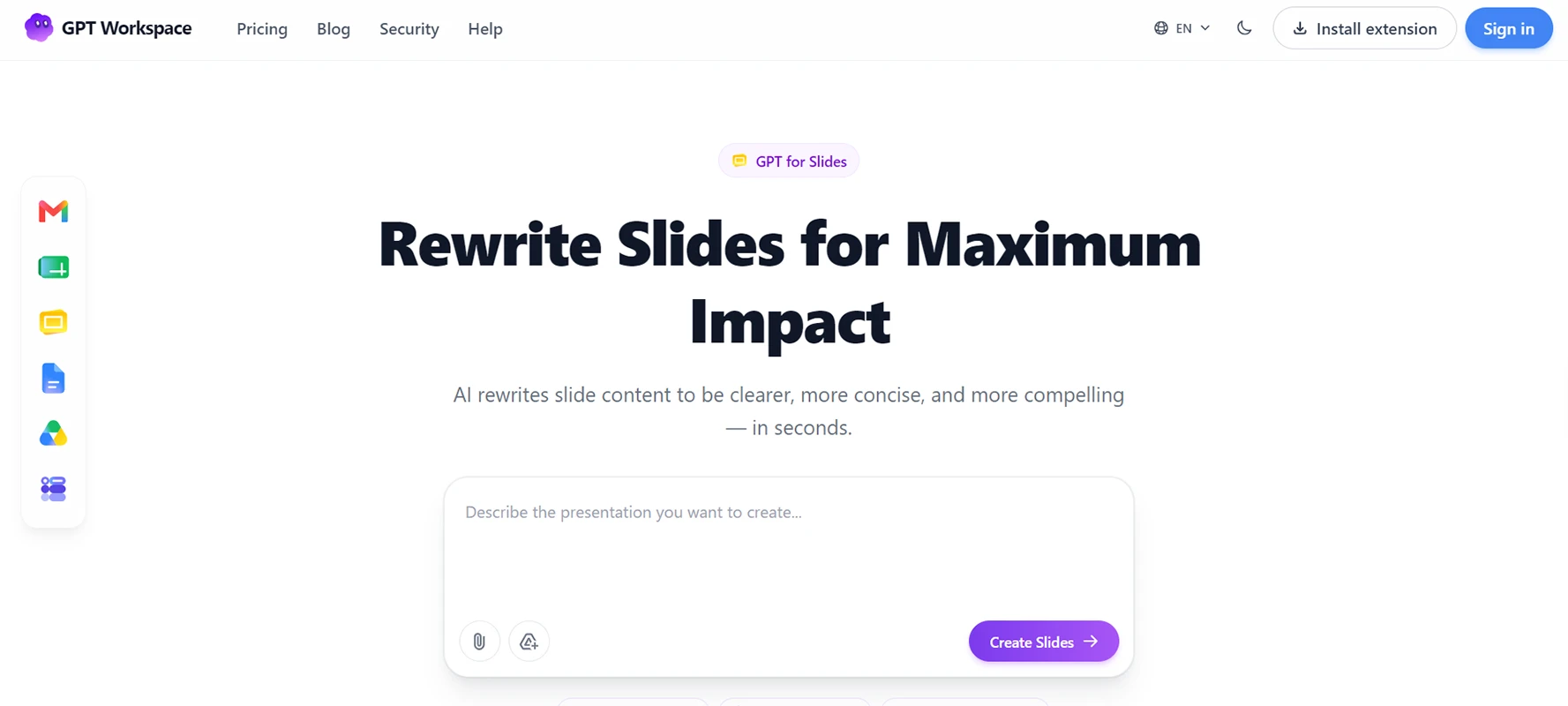
Unlike a deck generator, the documented rewriting workflow starts with material already written in the presentation.
⌛ Limitation: GPT Workspace is a general-purpose writing assistant integrated with Google Workspace. It does not establish whether paying accounts, signups, or revenue are the right metrics for your fundraising stage. Free usage is limited, with allowances depending on the current plan.
✅ Best fit: Founders working primarily in Google Slides who want faster copy editing without rebuilding their deck.
Beautiful.ai combines presentation design with AI writing functionality.
Its DesignerBot offers Quick Rewrite, Shorten, Lengthen, grammar correction, and prompt-based text rewriting.
The official text rewriting guide documents how to select text in the presentation editor, request an alternative, and apply the result.
For founders who already maintain their presentations in Beautiful.ai, these editing tools provide a way to refine copy without creating a completely new presentation.
⌛ Limitation: Its general text rewriting tools do not provide a documented guarantee of fundraising-specific evidence checking. Founders should also confirm that their existing deck can be imported and edited in the required format before choosing this workflow.
✅ Best fit: Founders already using Beautiful.ai who want concise slide copy alongside presentation design controls.
Pitch Agent supports AI-assisted editing inside the Pitch presentation workspace.
It can rewrite copy, respond to questions about presentation content, and restructure slides through instructions in chat. Pitch also supports collaborative editing, making it relevant to founding teams working on the same deck.

Its advantage for rewriting is that the AI can operate within an existing presentation rather than requiring every passage to be copied into a separate chat window.
⌛ Limitation: Pitch Agent is a presentation editing and collaboration product, not a specialized financial diligence service. AI actions consume workspace credits, and availability depends on the applicable plan and credit balance.
✅ Best fit: Startup teams that collaboratively revise pitch decks and want AI assistance with both wording and presentation structure.
A useful AI pitch deck slide rewriter should turn a vague statement into a clear one without introducing new facts.
Consider a fictional pre-seed SaaS startup preparing its fundraising deck.
Its existing traction slide reads:
Our Startup Is Growing Rapidly We've seen explosive growth and tremendous customer interest. Our business is scaling quickly, and we're confident this momentum will continue.
The wording sounds positive, but the slide offers no measurable evidence. The claims about customer interest and future growth cannot be established from the text.
Now assume the founder has the following underlying records.
| Metric | June 30 | August 31 |
|---|---|---|
| Monthly recurring revenue | $4,000 | $6,000 |
| Paying customer accounts | 40 | 55 |
This is a hypothetical teaching example, not an Evalyze customer result or an output generated by one of the six tools.
The revenue growth calculation is:
($6,000 − $4,000) / $4,000 × 100 = 50%
That is 50% growth across the two-month interval. It is not evidence of 50% month-over-month growth.
MRR Increased 50% Between June and August
- Monthly recurring revenue: $4,000 → $6,000
- Paying customer accounts: 40 → 55
The revised slide makes a specific claim that can be checked against the original records.
It also leaves room for an investor to ask about churn, acquisition costs, or the sustainability of the growth.
Those questions may be relevant, but the slide should not invent answers.
Given only the source data above, a rewriting tool should not claim:
None of these conclusions is established by the two revenue and customer snapshots.
This is the difference between improving the presentation of evidence and manufacturing a stronger-sounding business.
You can apply the same process with any of the six tools.
Before rewriting, decide what needs to change.
A weak slide might contain unsupported claims, a vague headline, too much text, or an explanation that hides the most useful metric.
For example, "Our customers love the product" may need supporting retention or customer feedback evidence. Rephrasing that sentence more confidently does not solve the underlying problem.
For broader storytelling issues, see Why Your Pitch Deck Isn't Working.
Use a consistent source of truth, such as a billing export, signed customer agreement, product analytics report, or internal financial statement.
Specify the measurement period and definitions.
For example, "55 paying accounts as of August 31" is more precise than "55 customers" if the business also has unpaid users.
A good rewriting instruction defines the slide's role and prohibits unsupported additions.
Copy this prompt:
You are editing the traction slide of a pre-seed startup pitch deck.
Rewrite the existing slide copy for clarity and brevity.
Return:
Preserve the exact metric definitions, values, and measurement periods. Do not invent growth rates, revenue, customer numbers, retention, market validation, or investor interest.
Do not redesign the slide or create additional slides.
Review every number and material claim before accepting the rewritten text.
If the AI suggests a stronger statement than the evidence supports, revise or reject it.
Keep a copy of the original slide or presentation alongside the edited version.
This lets the founding team inspect exactly what changed. Do not assume that an AI tool maintains a complete, source-linked revision history unless that feature is documented for your plan and workflow.
If the individual sentences are accurate but the presentation still feels disconnected, review the broader pitch deck storyline.
For a founder who needs both feedback and presentation editing, using a fundraising-focused reviewer followed by an in-editor rewriting tool may be appropriate. That involves an additional editing step, so check whether the extra work is justified by the current quality of your deck.
The right AI tool depends on your needs, from rewriting individual slides to improving your fundraising narrative. Always verify AI-generated claims against your actual business data.
Evalyze AI Pitch Coach analyzes your existing deck, identifies weak slides, and suggests clearer replacement copy to help you prepare for investor outreach.
FAQ
Yes. Evalyze AI Pitch Coach analyzes uploaded pitch deck PDFs, identifies weak slides, and suggests improved copy through its Revise with AI feature.
Microsoft Copilot and Plus AI rewrite text directly in PowerPoint.
Yes. Evalyze AI Pitch Coach can suggest clearer traction-slide copy using your existing information. Always verify metrics, calculations, and claims before accepting AI-generated revisions.
Evalyze AI Pitch Coach requires Pro. Founders can register for free to explore a sample analysis of Airbnb's historical pitch deck.
ChatGPT can improve slide wording, but Evalyze AI Pitch Coach adds fundraising-specific analysis, identifies weaknesses across the deck, and suggests targeted slide revisions.
Compare 7 fundraising readiness assessment tools for startups. Discover how Evalyze helps founders assess investor readiness and prepare for fundraising.
November 8, 2026

Compare the best platforms to find investors for startups. Explore investor databases, matching tools, and fundraising workflows.
September 20, 2026